
Deploy Kubernetes observability with Loki and Alloy
Introduction
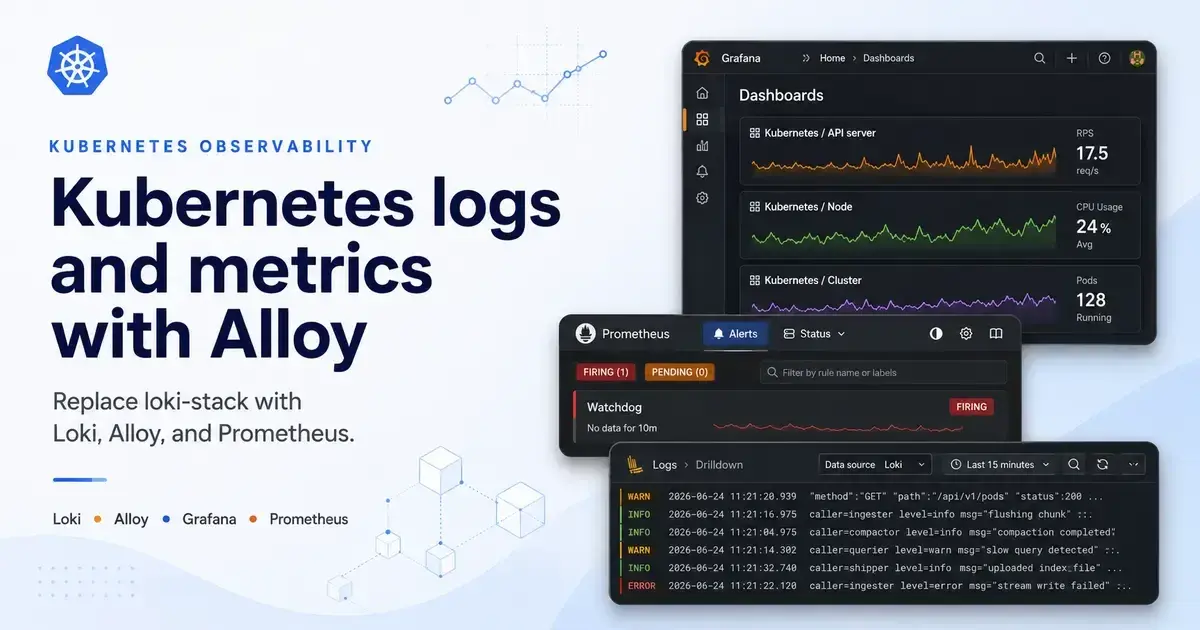
loki-stack was a convenient Helm chart because it bundled Loki, Promtail, and optional Grafana pieces in one place. The problem is that the chart is now deprecated, and Promtail has reached end of life. For a new Kubernetes observability setup, it is better to install the maintained pieces directly: Loki for logs, Alloy for log collection, and kube-prometheus-stack for Prometheus, Alertmanager, and Grafana.
In this guide, we will configure and deploy a small observability stack with Helm values files. This setup is good for a homelab, development cluster, or small internal cluster. For production, use object storage for Loki and review the Loki deployment mode before going live.
Prerequisites
- Kubernetes cluster
- Helm installed locally
kubectlaccess to the cluster- StorageClass available for Loki and Prometheus persistent volumes
- Slack webhook secret if you want Alertmanager to send Slack alerts
Step-by-step
-
Create the observability namespace. Keeping the stack in one namespace makes service discovery predictable and keeps dashboards, alerts, logs, and metrics together:
bashkubectl create namespace observability -
Add the Helm repositories. The old
loki-stackchart hid this detail, but now each maintained chart should be installed from its own repository:bashhelm repo add grafana https://grafana.github.io/helm-charts helm repo add grafana-community https://grafana-community.github.io/helm-charts helm repo add prometheus-community https://prometheus-community.github.io/helm-charts helm repo update -
Create a
loki-values.yamlfile. This installs Loki as a single binary with filesystem storage, which keeps the stack simple and close to the oldloki-stackexperience:yamltest: enabled: false loki: auth_enabled: false commonConfig: replication_factor: 1 storage: type: filesystem schemaConfig: configs: - from: "2024-04-01" store: tsdb object_store: filesystem schema: v13 index: prefix: loki_index_ period: 24h limits_config: allow_structured_metadata: true volume_enabled: true retention_period: 672h compactor: retention_enabled: true delete_request_store: filesystem deploymentMode: Monolithic ruler: enabled: false lokiCanary: enabled: false gateway: enabled: false singleBinary: replicas: 1 persistence: enabled: true size: 10Gi chunksCache: enabled: false resultsCache: enabled: false backend: replicas: 0 read: replicas: 0 write: replicas: 0 ingester: replicas: 0 querier: replicas: 0 queryFrontend: replicas: 0 queryScheduler: replicas: 0 distributor: replicas: 0 compactor: replicas: 0 indexGateway: replicas: 0 bloomPlanner: replicas: 0 bloomBuilder: replicas: 0 bloomGateway: replicas: 0 -
Install Loki. Loki needs to be installed before Alloy because Alloy will push Kubernetes logs to the Loki HTTP endpoint:
bashhelm upgrade --install loki grafana-community/loki \ --namespace observability \ --values loki-values.yaml -
Create an
alloy-values.yamlfile. Alloy runs as a DaemonSet and reads pod log files from each node, then parses CRI log lines and pushes them to Loki:yamlcontroller: type: daemonset tolerations: - key: node-role.kubernetes.io/master operator: Exists effect: NoSchedule - key: node-role.kubernetes.io/control-plane operator: Exists effect: NoSchedule alloy: mounts: varlog: true configMap: create: true content: | local.file_match "kubernetes" { path_targets = [ {"__path__" = "/var/log/pods/*/*/*.log"}, ] } discovery.relabel "kubernetes" { targets = local.file_match.kubernetes.targets rule { source_labels = ["__path__"] regex = ".*/var/log/pods/([^_]+)_.*" target_label = "namespace" } rule { source_labels = ["__path__"] regex = ".*/var/log/pods/[^_]+_([^_]+)_.*" target_label = "pod" } rule { source_labels = ["__path__"] regex = ".*/var/log/pods/[^_]+_[^_]+_[^/]+/([^/]+)/.*" target_label = "container" } rule { target_label = "job" replacement = "kubernetes-logs" } rule { target_label = "node_name" replacement = sys.env("HOSTNAME") } } loki.source.file "kubernetes" { targets = discovery.relabel.kubernetes.output forward_to = [loki.process.kubernetes.receiver] } loki.process "kubernetes" { stage.cri {} stage.labels { values = { namespace = "namespace", pod = "pod", container = "container", job = "job", node_name = "node_name", } } forward_to = [loki.write.endpoint.receiver] } loki.write "endpoint" { endpoint { url = "http://loki:3100/loki/api/v1/push" } } -
Install Alloy. The reason for using Alloy instead of Promtail is that Alloy is the supported collector path going forward, and it can collect logs, metrics, and traces with one component model:
bashhelm upgrade --install alloy grafana/alloy \ --namespace observability \ --values alloy-values.yaml -
Create a
kube-prometheus-stack-values.yamlfile. This installs Prometheus, Alertmanager, and Grafana, then adds Loki as a Grafana data source so logs can be queried beside metrics:yamlcrds: upgradeJob: enabled: true forceConflicts: true prometheus: prometheusSpec: replicas: 1 retention: 7d retentionSize: 7GiB storageSpec: volumeClaimTemplate: spec: accessModes: - ReadWriteOnce resources: requests: storage: 10Gi serviceMonitorNamespaceSelector: matchExpressions: - key: kubernetes.io/metadata.name operator: In values: - observability - kube-system - cert-manager ruleNamespaceSelector: matchExpressions: - key: kubernetes.io/metadata.name operator: In values: - observability - kube-system - cert-manager podMonitorNamespaceSelector: matchExpressions: - key: kubernetes.io/metadata.name operator: In values: - observability - kube-system - cert-manager grafana: enabled: true admin: existingSecret: grafana-admin userKey: ADMIN_USER passwordKey: ADMIN_PASSWORD serviceMonitor: labels: release: kube-prom-stack additionalDataSources: - name: Loki orgId: 1 type: loki uid: loki url: http://loki:3100 access: proxy isDefault: false jsonData: maxLines: 1000 alertmanager: config: route: group_by: - alertname group_wait: 30s group_interval: 5m repeat_interval: 24h receiver: slack routes: - receiver: "null" matchers: - alertname =~ "InfoInhibitor|Watchdog" - receiver: slack matchers: - severity =~ "warning|critical" receivers: - name: "null" - name: slack slack_configs: - api_url_file: /etc/alertmanager/secrets/slack-url/SLACK_API_URL channel: "#devops" send_resolved: true alertmanagerSpec: secrets: - slack-url kubeProxy: enabled: false -
Create the Grafana admin secret. The Helm values expect this secret so the password is not stored directly in the values file:
bashkubectl create secret generic grafana-admin \ --namespace observability \ --from-literal=ADMIN_USER=admin \ --from-literal=ADMIN_PASSWORD='change-me' -
Create the Slack webhook secret if you enabled the Alertmanager Slack receiver. Alertmanager reads the webhook from a mounted secret file, which avoids putting the URL in the Helm values:
bashkubectl create secret generic slack-url \ --namespace observability \ --from-literal=SLACK_API_URL='https://hooks.slack.com/services/xxx/yyy/zzz' -
Install
kube-prometheus-stack. This should be installed after Loki because Grafana will validate the Loki data source once the stack starts:bashhelm upgrade --install kube-prom-stack prometheus-community/kube-prometheus-stack \ --namespace observability \ --values kube-prometheus-stack-values.yaml -
Verify that the pods are running. This checks the main moving parts before testing dashboards or alerts:
bashkubectl get pods -n observability kubectl get svc -n observability -
Port-forward Grafana and test the Loki data source. This confirms that Grafana can reach Loki inside the cluster:
bashkubectl port-forward -n observability svc/kube-prom-stack-grafana 3000:80Open
http://localhost:3000, log in with the Grafana admin secret, and go to Connections > Data sources > Loki > Save & test. -
Query Kubernetes logs in Grafana Explore. This confirms that Alloy is reading pod logs, parsing labels, and pushing them to Loki:
logql{job="kubernetes-logs"}
Conclusion
You now have a Kubernetes observability stack without relying on the deprecated loki-stack chart. Loki stores the logs, Alloy collects and labels Kubernetes pod logs, and kube-prometheus-stack provides Prometheus, Grafana, and Alertmanager.
The important change is that each component is now explicit. That makes the stack easier to upgrade, easier to debug, and easier to move into FluxCD, Argo CD, or another GitOps workflow later.
References
- loki-stack Helm chart deprecation notice
- Promtail end-of-life notice
- Deploy Grafana Alloy on Kubernetes
- Collect Kubernetes logs with Alloy
- Install monolithic Grafana Loki with Helm
- kube-prometheus-stack Helm chart
If you found this useful, you can buy me a coffee! Thanks for the support!