
NestJS project setup with Biome linter and formatter
Introduction
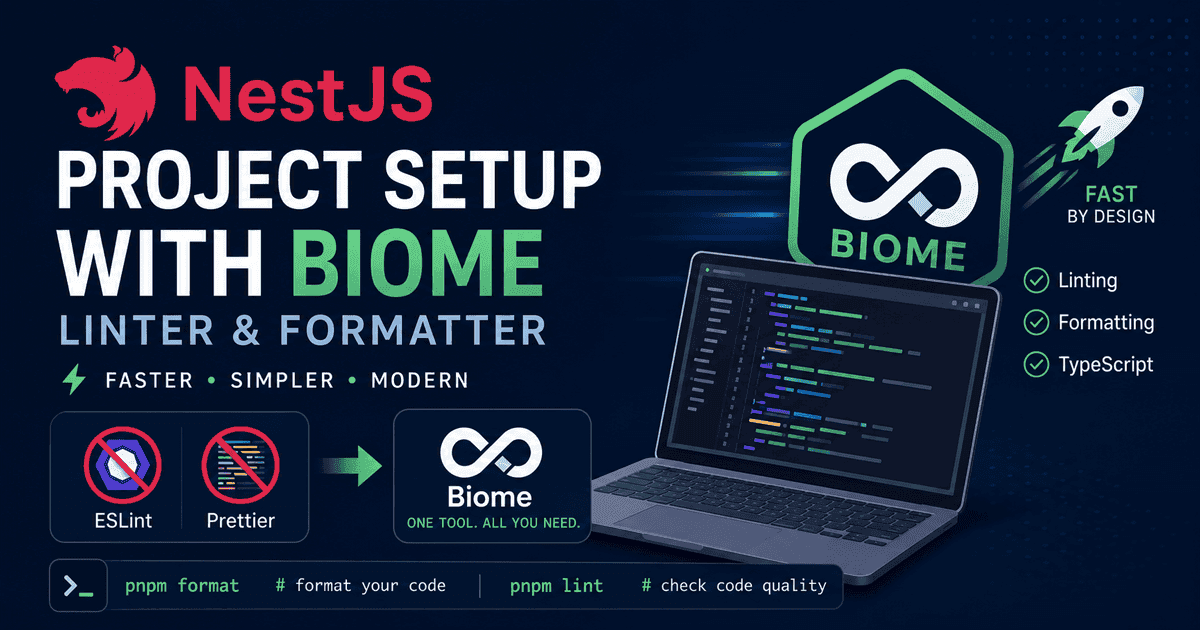
Biome is a fast, modern toolchain for linting and formatting that serves as a powerful alternative to ESLint and Prettier. If you're building a NestJS backend and want to reduce tooling complexity while improving performance, Biome is an excellent choice.
This guide walks you through the complete setup process: removing traditional linting and formatting tools, installing Biome, and configuring it to work seamlessly with your NestJS project. By the end, you'll have a lean, performant development environment.
Prerequisites
- Node/PNPM installed on the server
Step-by-step
-
Generate a new NestJS project:
bashnpx @nestjs/cli@latest new nestjs-biome -
Remove
eslintandprettierdependencies:bashpnpm remove globals @eslint/eslintrc @eslint/js eslint eslint-config-prettier eslint-plugin-prettier typescript-eslint prettier rm .prettierrc eslint.config.mjs -
Install Biome:
bashpnpm add -D -E @biomejs/biome -
Create a
biome.config.mjsfile in the root of your project with the following content:javascript{ "$schema": "https://biomejs.dev/schemas/latest/schema.json", "vcs": { "enabled": false, "clientKind": "git", "useIgnoreFile": true }, "files": { "ignoreUnknown": true, "includes": [ "**", "!dist", "!node_modules", "!.pnpm-store", "!coverage", "!.git" ] }, "formatter": { "enabled": true, "indentStyle": "space" }, "linter": { "enabled": true, "rules": { "recommended": true, "style": { "useImportType": "off" } } }, "javascript": { "formatter": { "quoteStyle": "single", "semicolons": "always" }, "parser": { "unsafeParameterDecoratorsEnabled": true } } } -
Update
formatandlintscripts frompackage.json:json"scripts": { "format": "biome format --write .", "lint": "biome check --write .", } -
Update Jest configuration in
package.json:json"jest": { "moduleFileExtensions": [ "js", "json", "ts" ], "rootDir": "src", "testRegex": ".*\\.spec\\.ts$", "transform": { "^.+\\.(t|j)s$": "ts-jest" }, "moduleNameMapper": { "^@/(.*)$": "<rootDir>/$1" }, "coverageProvider": "v8", "collectCoverageFrom": [ "**/*.(t|j)s", "!**/main.ts", "!**/*.module.ts", "!**/ormconfig.ts", "!**/*.entity.ts", "!**/*.input.ts", "!**/*.types.ts" ], "coverageDirectory": "../coverage", "testEnvironment": "node" } -
Update dependencies in
package.json:bashnpx npm-check-updates -u -
Update
tsconfig.json:json{ "compilerOptions": { "baseUrl": ".", "ignoreDeprecations": "6.0", "paths": { "@/*": ["src/*"] }, "module": "nodenext", "moduleResolution": "nodenext", "resolvePackageJsonExports": true, "esModuleInterop": true, "isolatedModules": true, "declaration": true, "removeComments": true, "emitDecoratorMetadata": true, "experimentalDecorators": true, "allowSyntheticDefaultImports": true, "target": "ES2023", "sourceMap": true, "rootDir": ".", "outDir": "./dist", "incremental": true, "types": ["node", "jest"], "skipLibCheck": true, "strictNullChecks": true, "forceConsistentCasingInFileNames": true, "noImplicitAny": true, "strictBindCallApply": true, "noFallthroughCasesInSwitch": true } } -
Update
tsconfig.build.json:json{ "extends": "./tsconfig.json", "compilerOptions": { "rootDir": "./src", "types": ["node"], "tsBuildInfoFile": "./dist/tsconfig.build.tsbuildinfo" }, "exclude": ["node_modules", "test", "dist", "**/*spec.ts"] } -
Use
typekeyword for type-only importstypescriptimport { Test, type TestingModule } from '@nestjs/testing'; import type { INestApplication } from '@nestjs/common'; import { Test, type TestingModule } from '@nestjs/testing'; import type { App } from 'supertest/types'; -
Exclude constructor from code coverage
typescript/* c8 ignore next 1 */ constructor(private readonly appService: AppService) {}
Conclusion
You've successfully integrated Biome into your NestJS project! Your development environment is now faster and simpler, with Biome handling both linting and formatting in one cohesive tool. You can now run pnpm format to format your code and pnpm lint to check for code quality issues. Enjoy the streamlined workflow and continue building great things with NestJS.
If you found this useful, you can buy me a coffee! Thanks for the support!